

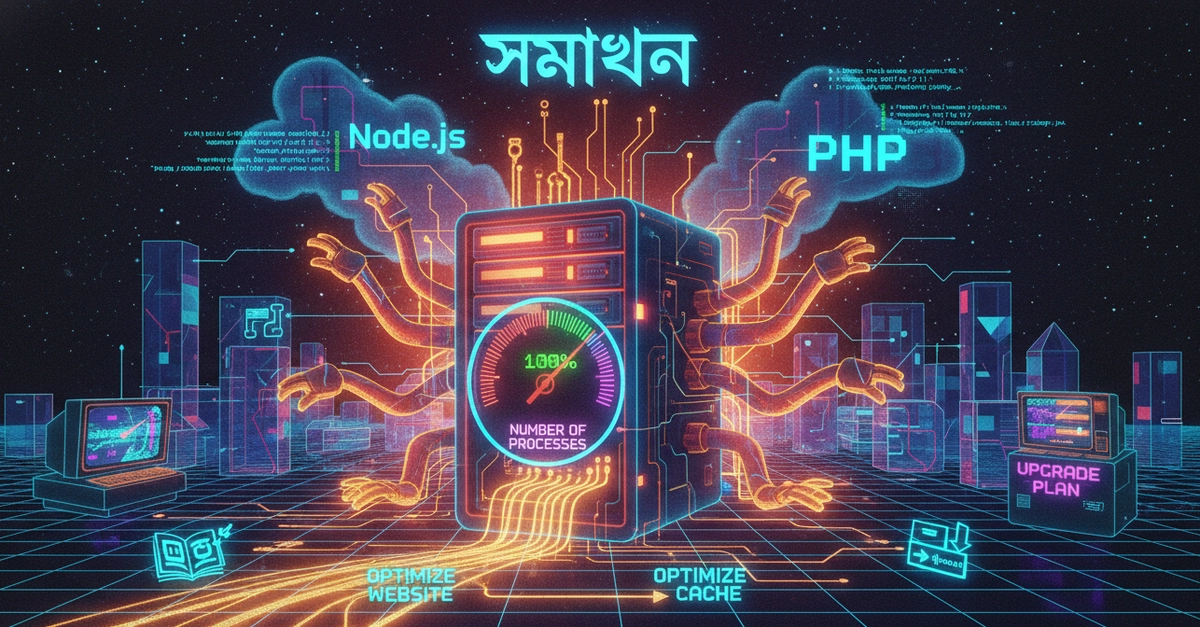
What is Number of Processes? When a task runs on a server (eg: PHP script, Node.js app, database connection, or even file manager access), a “Process” is created for each task. Your hosting provider allows you to run a maximum of 100 processes simultaneously. Why are you having this problem? 1. Process Leak: Your Node.js code may have a loop or function that is not terminating the process after completion. As a result, gradually 100 processes have been completed. 2. Additional traffic: If a lot of people suddenly enter your site, a separate process may be created for each request. 3. Background Task: A cron job or heavy database operation is stuck in the background and the number of processes increases. What should you do now? 1. Kill Old Processes: Go to your cPanel and find the “Terminal” or “SSH Access” option. Enter the following command there: pkill -u your_username (Replace your_username with your hosting username. This will kill all your running processes, freeing up space.) 2. Restart Node.js: After the process is empty, stop and restart your application by going to “Setup Node.js App” section of cPanel. 3. Check Code: Is child_process used in your application? If yes, then make sure they are closing properly. Also, check if end() or release() is being done at the end of database connections. 4. Hosting upgrade (last resort): If your app is very large and 100 processes is really low for you, then you need to upgrade the package (as shown by the blue button in the screenshot). Suggestion: For now kill the processes with terminal and restart the server, hopefully it will fix temporarily. But for a permanent solution look at the code. Is your code showing any specific errors? If you can tell!
Source link


Leave a Reply